Reading the verdict
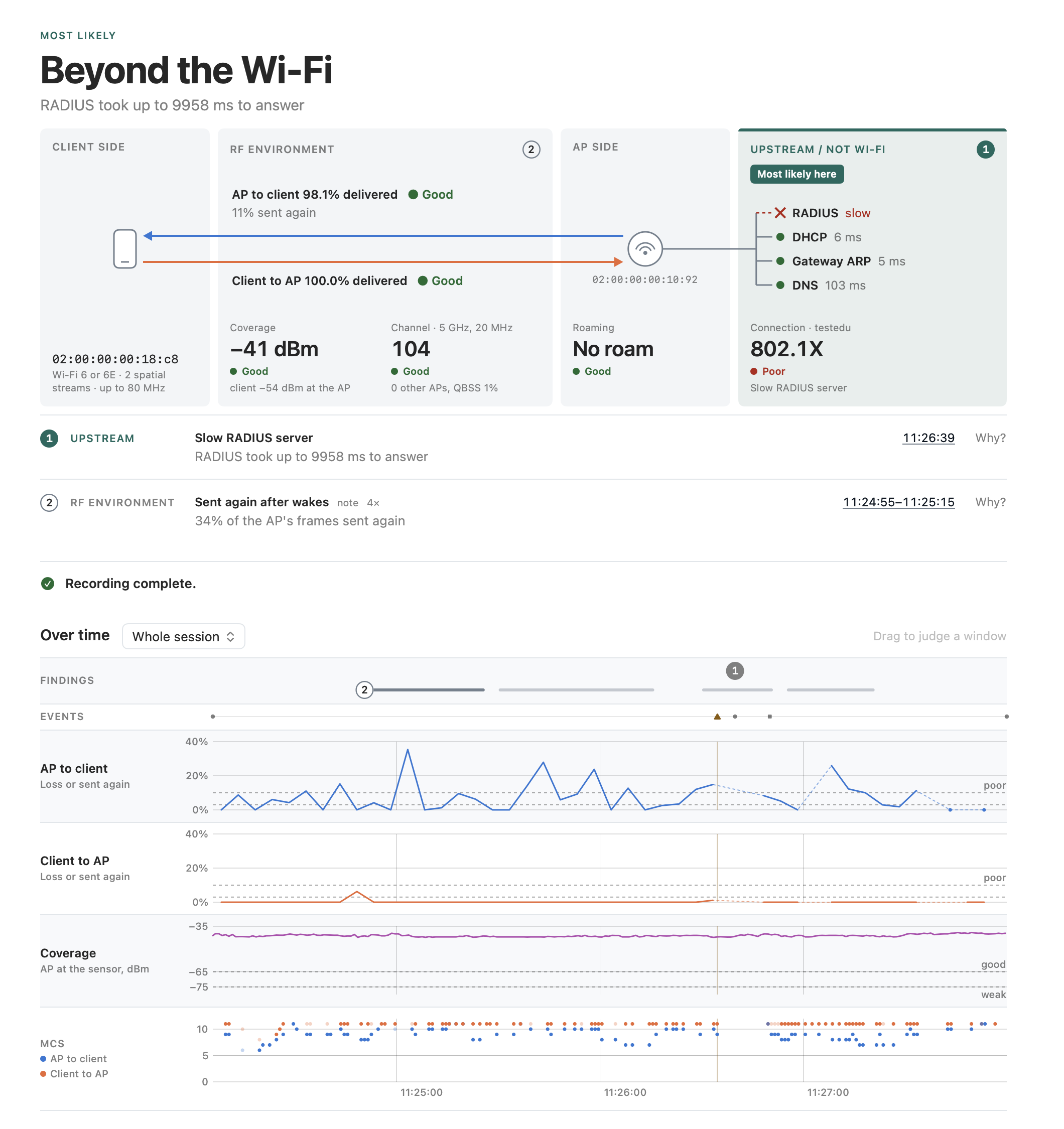
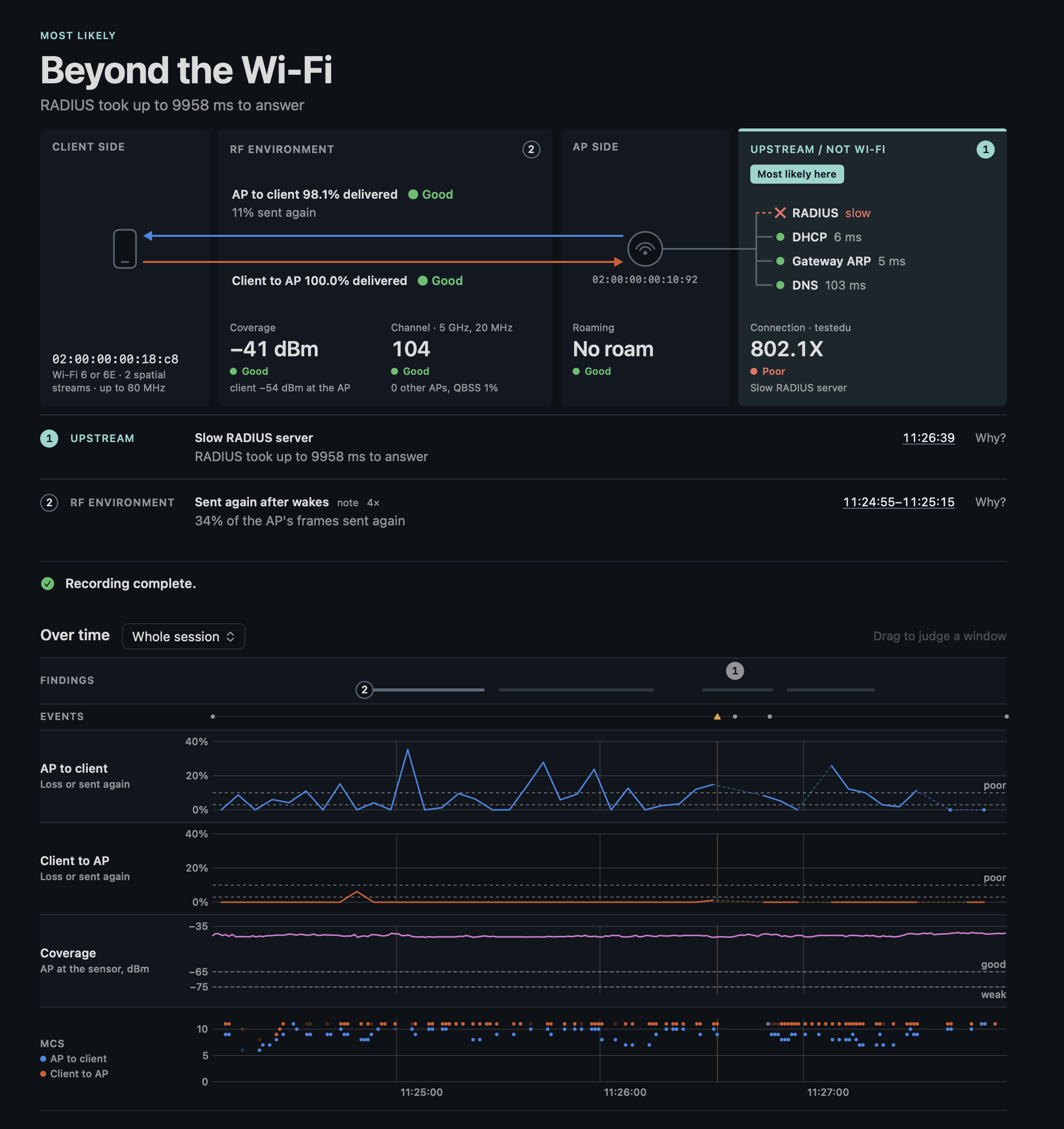
The Overview opens with the verdict: one of the six outcomes as a headline, the reason in a short clause, and under it the path a frame takes, client → air → AP → upstream, with the verdict's zone lit in its outcome's color and each question's number in its zone. Under the path the hints behind the verdict, numbered, then Next, the time axis with a lane per question, and what happened.
The six outcomes
| Outcome | Headline | What it means |
|---|---|---|
| AP side | On the AP side | The AP or its configuration: it refuses or drops the client, stops beaconing, holds a roam up, or its signal does not reach the client while the client reaches it. |
| Client side | On the client side | The client: wrong credentials, a capability or security setting the network does not take, a client that leaves by itself, sticks to a weak AP or roams to a weaker one. |
| RF environment | In the radio environment | The air between them: interference, a busy channel, a radar event that moved the AP. |
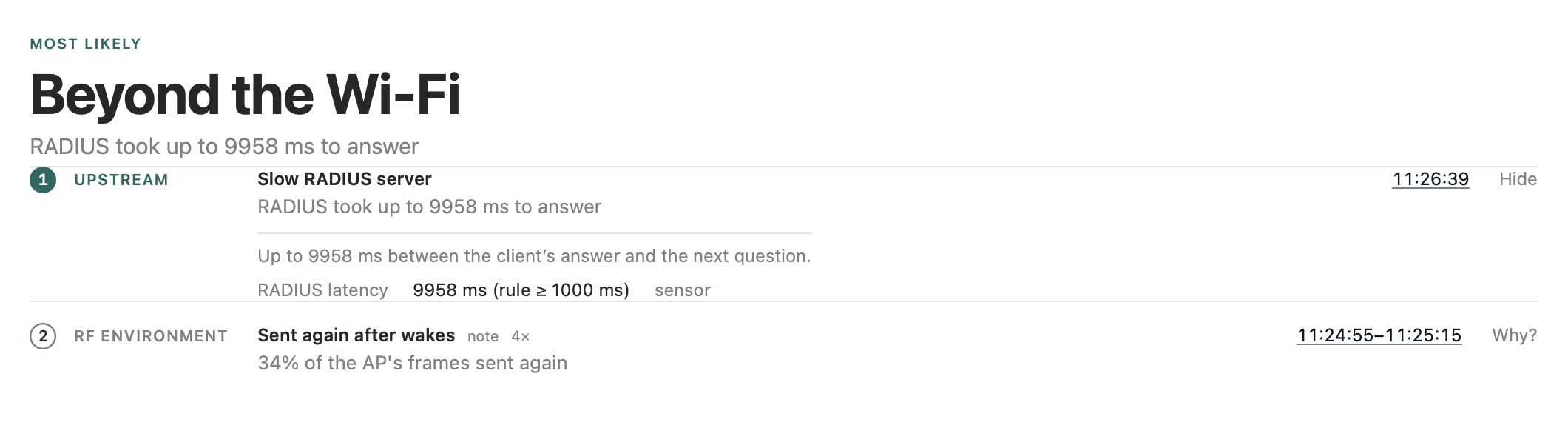
| Upstream / not Wi-Fi | Beyond the Wi-Fi | The Wi-Fi works; the wait or the failure is beyond it: the RADIUS server, DHCP, the gateway, DNS. |
| Measurement limit | Measurement not reliable | The capture itself is not good enough to judge, and the app says why: frames dropped, a stick on the wrong USB port, a client never heard. |
| Undecided | No clear cause | Something is wrong but the evidence does not take a side, or nothing abnormal was found. The app says which, and what it could not test. |
The verdict and its hints
A hint is what one rule found. The rules run in a fixed order: first the measurement itself, then what ends or blocks a connection, then the causes of a poor link (roaming, coverage, the channel), then the losses they cause. The first hint that names a side decides the outcome. The hints after it are shown as well; one that points to another side is marked so, and never overrides the one that decided, however severe it looks: the order is what makes the verdict predictable.
Three kinds of hint do not decide:
- An observation is abnormal but takes no side: a loss with nothing to compare it with. Its text under Why? says where it points, "it points towards the AP, unconfirmed", or which sides it could be.
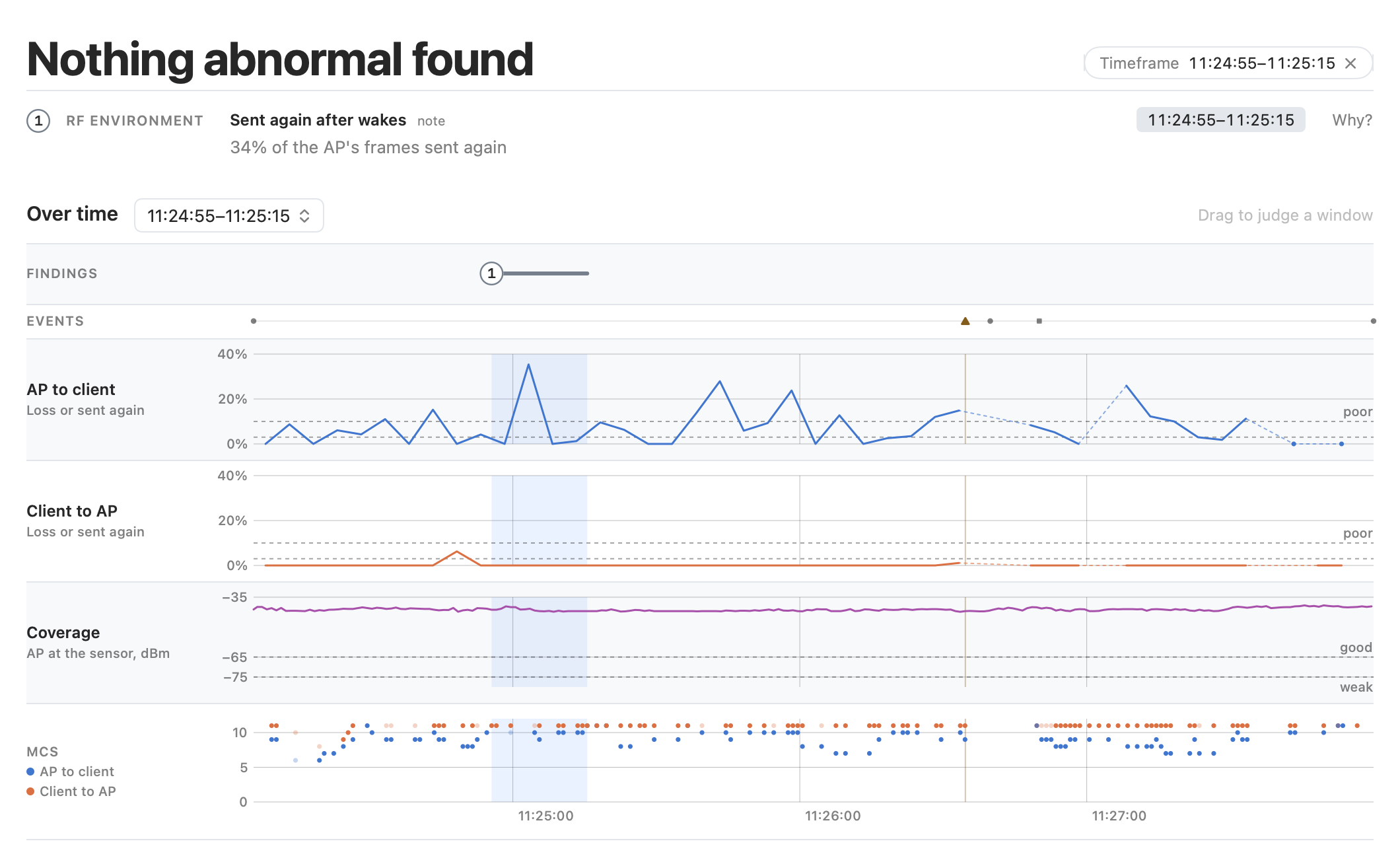
- A note is seen and worth knowing, not abnormal, such as a phone's losses right after it wakes from power save. It follows the findings.
- A finding marked "unconfirmed" does decide, but its rule has not yet been confirmed on a recording of the problem: weigh it with its evidence.
Each hint says it in a short clause and opens with Why?: its full text, its evidence, the values against the thresholds, and where they come from (the air or Mist).
Nothing abnormal is not healthy
A rule without data is untested, not passed. "Nothing abnormal found." lists the questions that stayed untested and why: too little traffic, no login captured, no Mist, no roam. Beside notes it reads "No finding, only notes.": a note is seen and not judged abnormal, which is no clean bill either. "Too little data." means every question stayed untested. Before calling a link fine, look at what was tested. Next, under the hints, names the step that would let an untested question run, such as the reconnect for a login, and reads "Ready to stop." once the recording holds what a verdict needs (recording the problem).
The questions
One readout per question, in its zone of the path: AP to client and Client to AP as arrows through the air, Coverage and Channel in the RF environment, Roaming at the AP, Connection upstream with the network's name beside it and the services a login and an address need (RADIUS where a finding names it, DHCP, the gateway's ARP and DNS as Mist saw them). A readout reads Good, Fair, Poor or Untested, with its number where it has one, and a line under it: the finding or the note about it, or what stayed untested. A question is Poor when one of its rules found something, whatever its number; a note leaves the grade as it is. Hovering a readout names what its rules could not check. The thresholds below are the rules' defaults, assumptions until field cases confirm them (the rules).
Connection
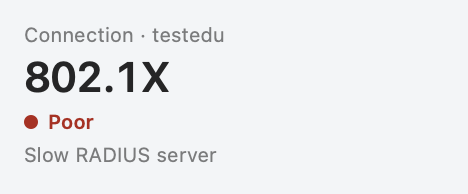
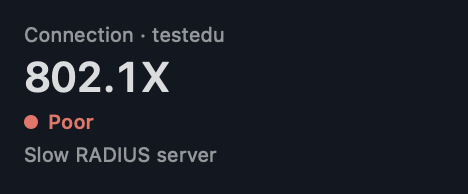
- What it measures: the client's association, its login (PSK, SAE, or 802.1X with its EAP exchange) and the 4-way handshake, and its disconnects, from the frames; with Mist also DHCP, the gateway's ARP and DNS. The value is the login's security (WPA2, WPA3, 802.1X), without one captured "Connected", or "Not connected" while the client is gone; the line under it the finding, what stayed untested, or "login captured". A session that saw the client's login keeps its security as the value while the client is gone, and the services upstream keep Mist's last results in their colors: only the line ("waiting for the rejoin") and the finding say it left, the same after a disconnect in Control Center as after Wi-Fi off. While the client has left and a minute has not passed, as between Wi-Fi off and on, the readout has no word and its line reads "waiting for the rejoin": a client back within the minute made a reconnect, not a problem.
- Good, Fair, Poor: Poor when a connection rule found something: a refused or failed login, a disconnect by the AP or by the client, a RADIUS server slow or silent, DHCP or DNS failing. Good when the rules that could run found nothing. The question has no number, so no Fair.
- Untested: only when none of its rules could run, as with a client never heard. More often the readout reads Good with its line naming what stayed untested: "no login captured" (the client joined before the capture and stayed connected), "reason encrypted (PMF)" (a disconnect after the 4-way, whose reason only Mist has), "no Mist" or "no DHCP or DNS from Mist", "the client's ACKs not in the capture" (whether M3 reached the client), "waiting for the client to rejoin" (it left less than a minute before the end).
- Next: for a login, the user reconnects (Wi-Fi off and on); the app catches the (re)association by itself. Why? names the frames and Mist's events; the Timeline shows the login step by step.
AP to client
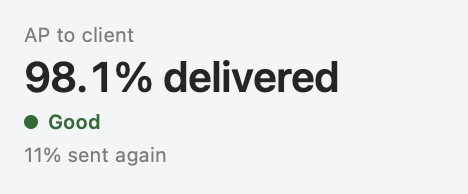
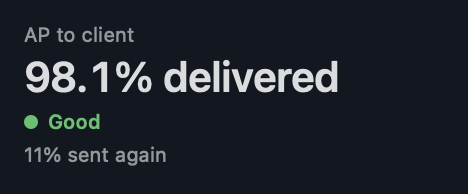
- What it measures: the downlink: the share of the AP's data that reached the client, from the Block Acks the client sends (how the engine counts), each MPDU by the first Block Ack that covers it; an A-MPDU lost whole, which no Block Ack reports, counts as delivered once a retry gets through. The grade judges that delivery, which the value names ("98.1% delivered"). Under it the share of the AP's frames sent again over the same span, the airtime the delivery cost, in Fair's color from 15 %, by the retry bit where the sensor captured at least 90 % of the downlink, by Mist's count where it captured less: 99 % with 40 % sent again is a link that delivers, at the cost of the airtime spent again, which grows with the load. Its lane on the time axis draws it over the session.
- Good, Fair, Poor: Good from 97 %, Fair from 90 %, Poor below 90 %, or when a loss rule found the downlink losing: 15 % or more of the AP's frames sent again, a loss both ways, or a low MCS on a good signal. Found in a 20 s window, the readout shows that window's number and the session's ("79.7% delivered", "session 99.6%"). A note of frames sent again leaves the grade and the share of the span judged ("11% sent again"): two measures, not one judgment. The window it was found in, with its own share, stands in the finding's row under the path, not again in the readout.
- Untested: "too little traffic": no Block Acks, as the user's traffic did not run; "client not seen".
- Next: the time axis's loss lane for when; the Link pane's Block Acks and rates; an own device on the same AP (Compare with in New Session), which tells the client's losses from the AP's or the channel's; Capture for the share of the data the sensor decoded, which is capture quality, not loss.
Client to AP
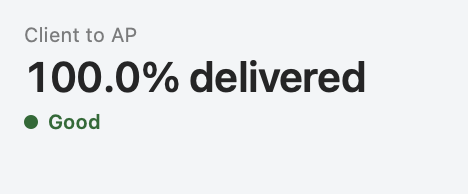
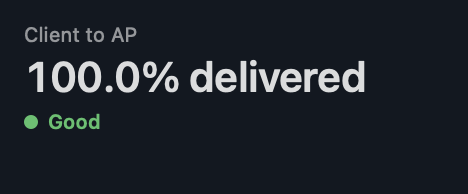
- What it measures: the uplink: the share of the client's data that reached the AP, from the Block Acks the AP sends, counted as towards the client; the grade judges that delivery ("100.0% delivered"). Beside it the client's frames sent again, the airtime it cost, in Fair's color from 15 %, by the retry bit, with at least 90 % of the uplink captured; Mist gives no share of the uplink sent again.
- Good, Fair, Poor: as AP to client: Good from 97 %, Fair from 90 %, Poor below 90 % or when a loss rule found the uplink losing (15 % or more sent again, a loss both ways), with the window's number where the rule found it there.
- Untested: "too little traffic", "client not seen".
- Next: as AP to client. A loss towards the AP with nothing to compare is an observation, not a finding: an own device on the same AP, or the AP's own view (Mist), takes it further.
Coverage
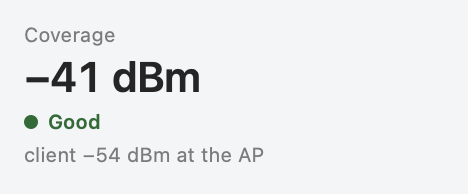
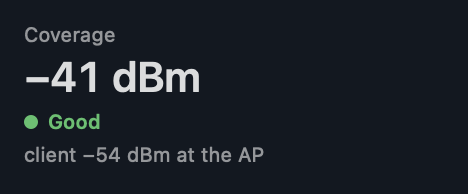
- What it measures: the AP's signal at the sensor, from its beacons on its own primary channel: next to the client, about what the client hears. Beside it, with Mist, the client's signal at the AP ("client −54 dBm at the AP"): the other direction at another receiver, which grades nothing.
- Good, Fair, Poor: Good from −65 dBm, Fair above −75 dBm, Poor at −75 dBm or below, or when weak coverage (the AP at −72 dBm or weaker, with losses or a low rate, and no AP of the network 8 dB stronger) or an asymmetric link (the AP strong at the sensor, the client at −75 dBm or weaker at the AP) is found.
- Untested: "client away from the sensor": the client below −60 dBm at the sensor, as on a walk, where the AP at the sensor is not what the client hears, with Mist's client at the AP in its help; "AP not heard" or "too few beacons of the AP" (the AP's beacons on another 20 MHz than capA's), "client not seen".
- Next: the sensor within a meter of the client: with the client below −60 dBm at the sensor the question and both coverage rules are held back ("client away from the sensor"). The lane "AP at the sensor" on the time axis shows the signal over time.
Roaming
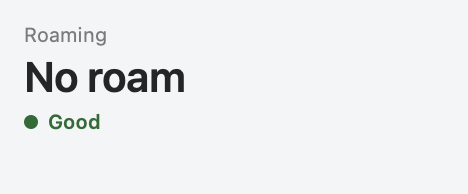
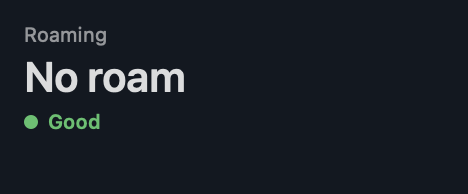
- What it measures: the roams the sensor saw between capA's and capB's channels: their time without a connection, a full login where 802.11r was offered, a roam to a weaker AP, a roam back and forth; and a client that stays on a weak AP while a stronger one is there. The value counts the roams, the line the slowest ("up to 19 ms").
- Good, Fair, Poor: Poor when a roaming rule found something: a refused roam, a full login where 802.11r was offered, a roam of 150 ms or more, ping-pong, a sticky client, a roam to an AP 6 dB or more weaker, a band choice, a client probing all the time. Good when its rules ran without a finding: "No roam" with Good says the client had no stronger AP to go to, not that its roams work. No number, so no Fair.
- Untested: "no roam" (on the line under a Good: the roam rules had nothing to judge), "not seen by the sensor" (the client roamed where neither radio listened, and the search found it on another AP), "no other AP of the network heard", "no 5 or 6 GHz of the network heard", "client away from the sensor".
- Next: a roam to test is a walk: the user goes where it goes wrong, with capB on the AP the client should roam to, chosen in New Session or with Change capB… on the Overview.
Channel
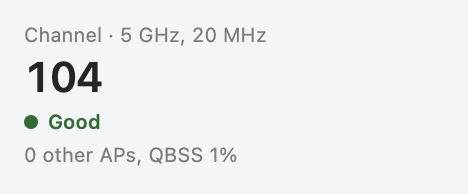
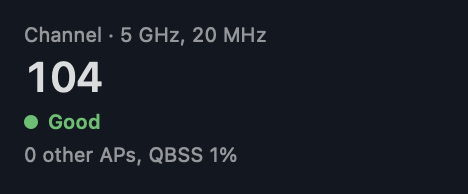
- What it measures: the client's channel by its primary, its band and width beside the name ("5 GHz, 80 MHz"; with Wi-Fi 7 multi-link the bands of the links), the other AP radios heard on it at −82 dBm or stronger, and the AP's own load from its QBSS element ("0 other APs, QBSS 1%").
- Good, Fair, Poor: Poor when congestion is found: 3 or more other AP radios on the channel at −82 dBm or stronger, or a QBSS load of 60 % or more, with 10 % or more of the frames sent again or a low rate on a good signal; or a QBSS load of 80 % or more beyond the client's own airtime while the client has traffic and its frames get through: it waits for the air; or when the AP announced a channel switch (radar, or its RRM). Fair when congestion could run and found nothing at a QBSS load of 60 % or more: busy, not a finding. Good below that.
- Untested: "no channel load from the AP" (no QBSS element in its beacons, and fewer than 3 radios on the channel), "AP not heard", "retries and rates not measurable" (too little of the data captured), "too little traffic" (a busy channel with the client idle).
- Next: Surroundings lists the BSSs heard per channel with their QBSS load; Mist's view of the AP's radio adds its utilization and noise floor. The sources stay apart, never one number.
The window
Session means hide intermittent problems: twenty seconds at 80 % in ten minutes reads as 97 %. The rules therefore also judge every sliding window of 20 s, and a hint found in a window names it: the readout then shows that window's number, with the session's below it.
The window chosen drives the verdict, the path's numbers, the charts and the report: the whole session, the last 60, 120 or 300 s, a span dragged on the time axis, or the window of a hint (click its clock time). "Timeframe … ✕" beside the verdict's headline goes back to the whole session, and so does a second click on the hint's clock time.
The time axis
A lane per question on one clock, each with the question and what it draws in a gutter on the left; its value and quality stand in the path:
- Findings: each finding on a row of its own: its number at its first stretch, each stretch it was found in a bar, the one with the window it names full and the others faint, the one that decides in the outcome's color; a finding about events its number at the first and a dot at each later one. A finding found more than once says how often on its row ("2×"), the time beside it its worst window or its first event.
- Events: a marker per line of the story, with a rule through the lanes for a notice or a failure.
- AP to client and Client to AP: the loss of each direction from the Block Acks per 5 s, in a lane of its own on one scale that grows with the loss.
- Coverage: the serving AP's beacons at the sensor, as its readout takes them.
- MCS per direction, light where the sensor decoded too little of the data to judge the rate.
Connection, Roaming and Channel have no lane yet: their numbers stand in the path. A gray band is a gap of the sensor, such as a search for a client that left both radios: no loss is judged across it.
Measurement limits come first
Frames the capture missed look like losses to every rule after it, so the measurement is checked first. Dropped frames over 1 %, a stick on a USB 2 port for 5 or 6 GHz, a client never heard: the outcome is then a measurement limit, and its finding says why. The share of data frames the sensor decoded is shown as capture quality, not as loss: the sensor sits by the client, not by the AP, and misses fast frames it cannot decode.
Behind the verdict
Every pane holds its expert information in tabs, so nothing waits behind a switch: the Timeline's every event with its frame and the 4-way handshakes, the client's (re)association requests, the BSS table and the channels in Surroundings, the Block Acks, rates and Mist's polls in Link, and how the session was captured in Capture, at the foot of the sidebar. The app describes each.